Measuring brain activity
BrainState connects to a wearable EEG device that passively reads tiny electrical signals from the brain and streams them to the app in real time.
Details
BrainState connects to a wearable EEG device that passively reads tiny electrical signals from the brain and streams them to the app in real time.
The app processes this signal and maps it to simple states like calm, neutral, and active, so users can quickly see how focused or relaxed they are during a session.
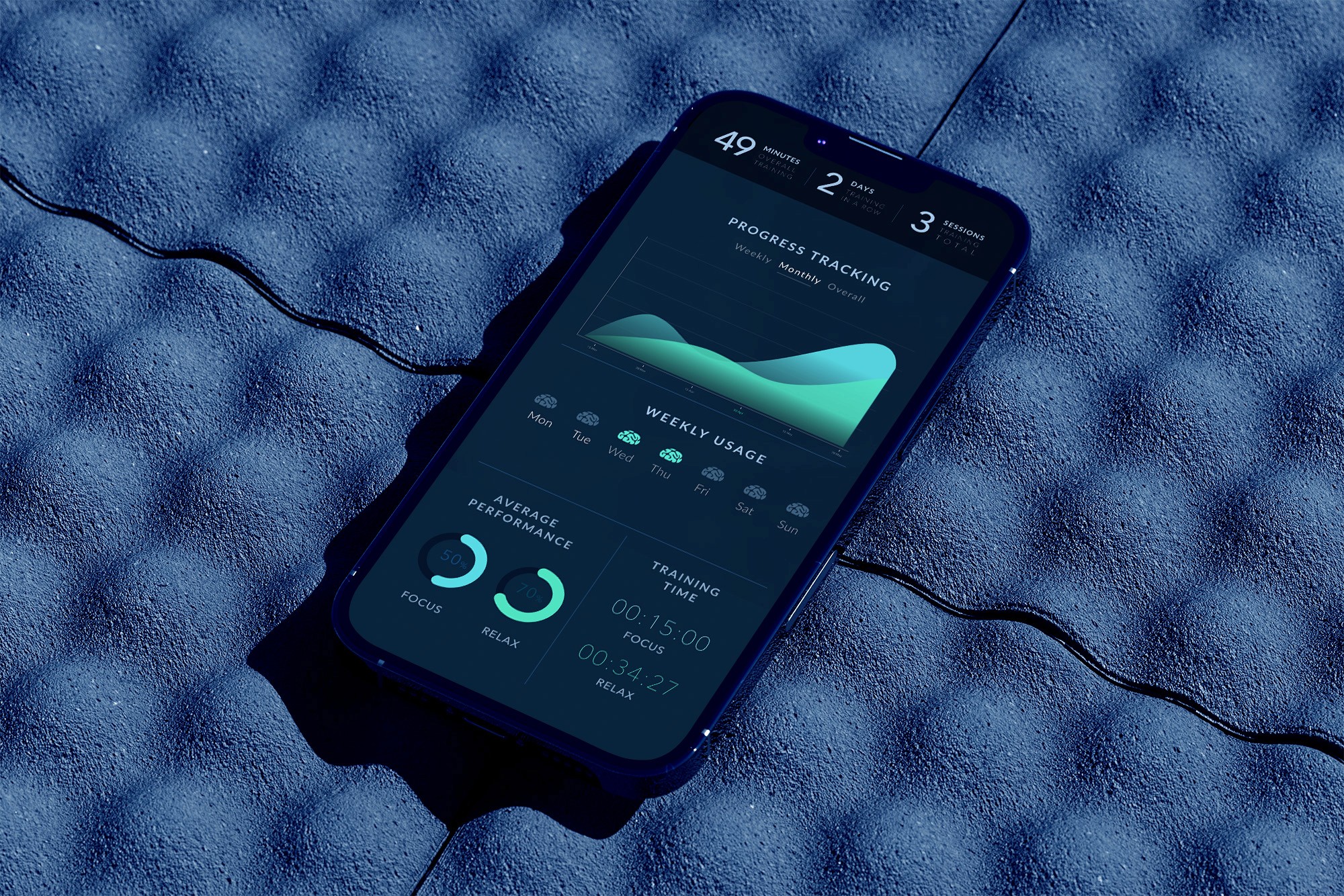
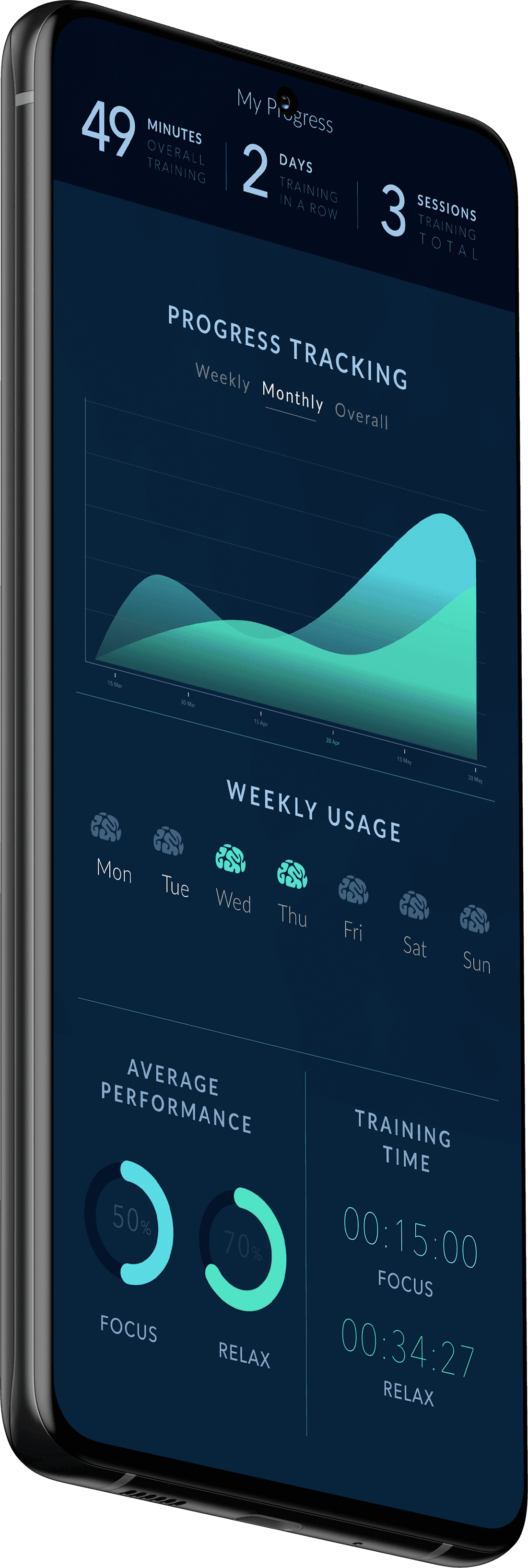
After each session, users see a short summary with time spent in each state and a point-based reward. This makes it easy to track improvement and stay consistent with their mindfulness practice.
Designing BrainState meant translating noisy EEG data and unfamiliar BCI concepts into something anyone could understand. The main challenges were how to visualize brain signals clearly and how to support first-time users in a niche, highly technical domain without overwhelming them.
BrainState became the team’s first paid iOS neuro-product — a steady monthly revenue stream with a NeuroSky MindWave headset and almost no marketing spend.
After the first announcement, users kept arriving every month — mainly from the US and UK — with no active promotion or support.
Regular sessions helped users enter and sustain calmer, more focused states — with average gains of 41% in focus time and 23% in relaxation over the first weeks.
An app that helps control your mindfulness and concentration

Company:
Octabrain (US/ Russia Neurointerface startup)
My Role:
UX/UI Design
Year:
2020
In 2016, I joined Octabrain, a joint neurotech startup between St. Petersburg and San Francisco, to design BrainState — a mobile app that uses a brain–computer interface (BCI) to train focus and relaxation. As the UX/UI designer, I worked on turning raw EEG data into clear, readable screens: from live session feedback to post-session reports and progress tracking.
One of the biggest challenges we faced during the app develpment was finding the right way to visualize the complex brain signals. I wanted to create an interface that not only looked visually appealing but also made it easy for users to understand their concentration and relaxation status levels at a glance.
Introducing users to the world of brain-computer interface technology was essential, since this market is very niche. We knew that offering robust guidance and support was crucial in providing a positive user experience, so we made sure to incorporate tooltips, in-app help documentation, and even personalized assistance to help users navigate the app.

Tap here to
access videos
This indicator shows
the quality of signal
Select the state you
wish to practice
The graph here shows raw electrical
biosignal of your brain in real time
That’s your current progress.
Swipe it up to get more info
The app processes data in real-time and records all the information to provide you with instant biofeedback. The challenge here was to find the right visual representation that effectively communicates complex concepts without overwhelming the user. At the end of each session you will see an easy-to-read graph highlighting how much time your brain spent in calm, neutral, and active states.
The more time you spend in a calm state, the more point you earn. These rewards also make it easy to stick with your mindfulness routine and help you see how you’re improving over time – confirming that practice does in fact mean progress.
Back to Projects
